


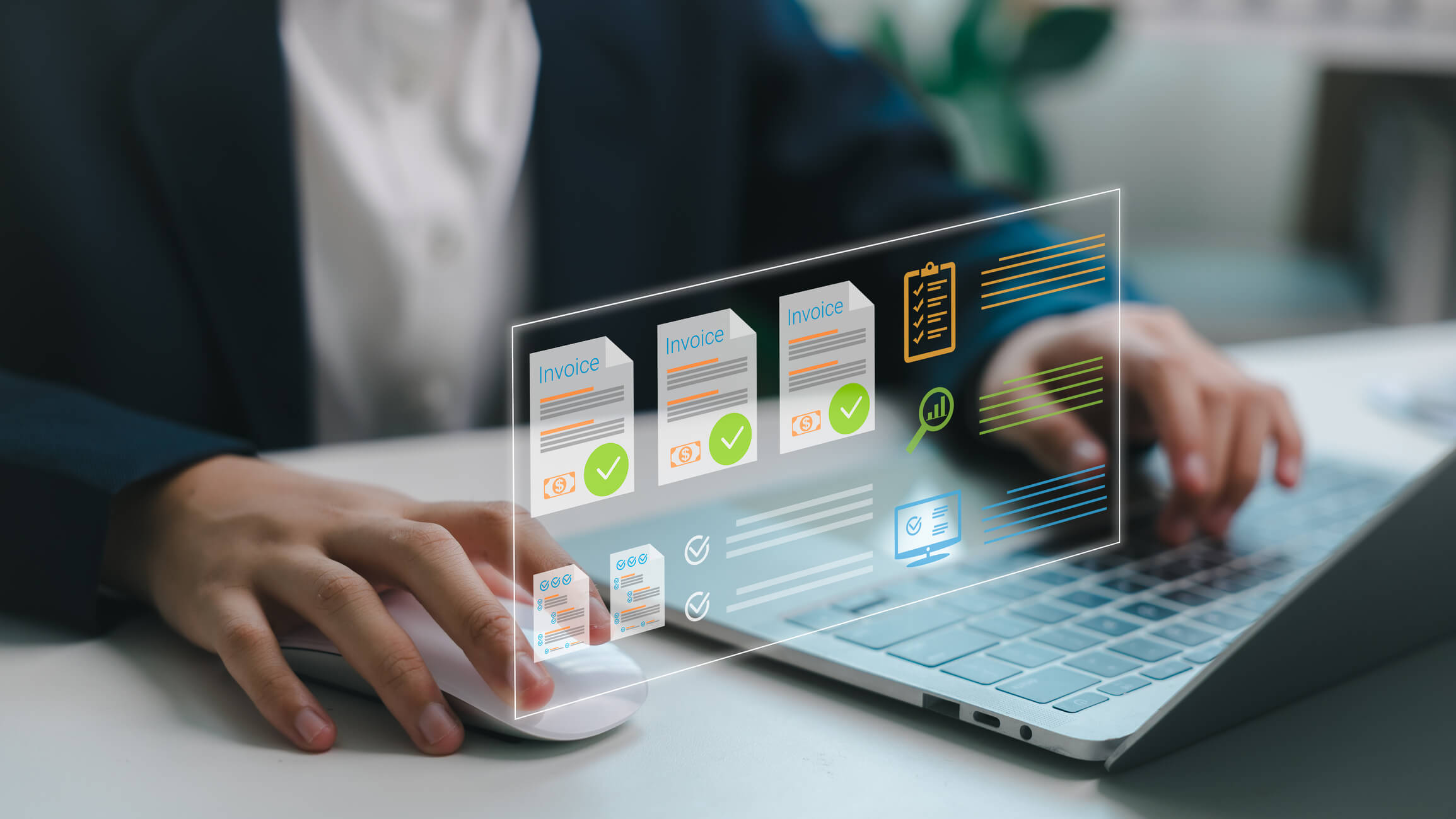
Smart Invoice Processing Systems:
The Modern Way to Handle Accounts Payable
Smart invoice processing systems use AI, OCR, and workflow automation to capture, validate, match, and approve invoices with little to no manual data entry—cutting processing costs by up to 80% and reducing errors dramatically. If your team still types invoice data into spreadsheets, you’re paying people to do work a machine handles better.
Here’s what nobody tells you: the average manually processed invoice costs $12–$15 and takes over 10 days to approve. Meanwhile, businesses running automated systems process the same invoice for under $3 in a day or two. After two decades helping businesses modernize their books at Complete Controller, I can tell you the gap between automated and manual AP isn’t a technology story—it’s a survival story. Let me show you why.
What are smart invoice processing systems and how do they work?
- Smart invoice processing systems combine OCR data capture, AI-driven classification, automated matching, and approval workflows to move invoices from receipt to payment without manual entry.
- OCR technology converts paper and PDF invoices into structured, searchable data your accounting software can use.
- AI classification learns your vendors, GL codes, and approval patterns, getting smarter with every invoice.
- Automated matching compares invoices against purchase orders and receiving documents to catch discrepancies before payment.
- Exception workflows route only problem invoices to humans, so your team focuses on judgment—not typing.

Why Manual Invoice Processing Is Costing You More Than You Think
Manual AP isn’t just slow—it’s expensive in ways that don’t show up on any single line item. Data entry errors, duplicate payments, missed early-payment discounts, and late fees pile up quietly. Industry research consistently shows manual invoice error rates hovering around 1–3%, and when you’re processing hundreds of invoices monthly, that’s real money walking out the door.
Then there’s the fraud exposure. According to the ACFE’s Report to the Nations, organizations lose an estimated 5% of revenue annually to fraud, and billing schemes are among the most common. Strong fraud detection in invoice processing matters because automated systems flag duplicate invoice numbers, unusual amounts, and new vendor bank changes instantly—things a tired human eye misses on invoice number 47 of the day.
The takeaway? Doing nothing has a price tag. Now let’s look at the technology that changes the math.
How OCR and AI Invoice Data Extraction Actually Work
The engine under the hood starts with OCR invoice scanning—optical character recognition that reads paper, PDF, and emailed invoices and converts them into structured data fields: vendor name, invoice number, date, line items, totals.
From capture to classification
Modern systems layer AI on top of OCR. Instead of rigid templates, machine learning models recognize invoice formats they’ve never seen before and improve with feedback. But here’s my honest founder-to-founder advice: AI needs governance. The NIST framework for managing AI risk offers smart guardrails for AI invoice data extraction, reminding us that automation should be monitored, tested, and accountable—not blindly trusted. Set confidence thresholds. Review what the machine flags as uncertain. Trust, but verify.
Once your data is captured cleanly, the next step is making sure it’s correct—and that’s where matching comes in.
Invoice Matching and Reconciliation: Your Accuracy Backbone
Three-way matching—comparing the invoice, purchase order, and receiving report—is the gold standard for payment accuracy. Smart systems do this automatically in seconds, approving clean matches and routing mismatches to exception queues.
This is where I get passionate, because I’ve seen businesses discover years of overpayments once they automated matching. Consistent invoice matching and reconciliation isn’t bureaucratic box-checking—it’s how you protect cash flow and keep your financial reports trustworthy. When your books reconcile cleanly every month, decisions get easier, audits get faster, and lenders take you seriously.
Building an End-to-End Accounts Payable Automation Workflow
So how do you actually put this together? Order matters here:
- Digitize intake. Route all invoices—email, portal, paper—into one digital capture point using digital invoice management practices that eliminate paper shuffling entirely.
- Configure capture and coding. Set up OCR and AI classification with your chart of accounts and vendor list.
- Define matching rules. Establish tolerances for price and quantity variances.
- Build approval workflows. Route invoices by amount, department, or vendor—automatically.
- Integrate with your ERP. Seamless ERP integration means approved invoices flow straight into your accounting system, no re-keying.
- Monitor and refine. Track exceptions, cycle time, and cost per invoice monthly.
Businesses embracing accounts payable automation as part of a broader modernization strategy see the biggest gains—because AP automation works best when your whole financial back office runs on connected, cloud-based tools.
Still processing invoices by hand? Complete Controller helps automate your financial workflow so you can save time, reduce errors, and focus on growth.
Choosing the Right System for Mid-Size Businesses
You don’t need enterprise-level complexity to get enterprise-level results. When evaluating invoice processing for mid-size businesses, focus on what actually moves the needle:
- ERP and accounting software compatibility—native integrations beat clunky exports
- Exception handling workflows that are easy for non-technical staff to manage
- Fraud controls like duplicate detection and vendor verification
- Transparent pricing—per-invoice or flat-rate, not surprise fees
- Audit trails that document every touch, approval, and change
One warning from experience: the flashiest demo doesn’t always win. Choose the system your team will actually use, and pilot it with one department before rolling out company-wide.
The Real ROI: What Changes When You Automate
Companies that automate AP typically report 60–80% lower processing costs, cycle times cut from weeks to days, and early-payment discount capture that was impossible before. But the ROI I care most about is human: your team stops drowning in data entry and starts doing analysis, vendor management, and strategy. That’s how a bookkeeping function becomes a business advantage—and it’s exactly the transformation we’ve guided clients through at Complete Controller since we pioneered cloud-based bookkeeping services.
Conclusion
Smart invoice processing systems turn accounts payable from a cost center into a control center—capturing data accurately with OCR and AI, catching errors and fraud through automated matching, and freeing your team for higher-value work. The businesses winning right now aren’t the ones with the biggest budgets; they’re the ones who stopped accepting manual processes as “just how it’s done.”
You deserve a financial back office that works as hard as you do. For expert guidance on automating your AP and building books you can trust, visit the team that pioneered cloud-based bookkeeping and controller services at Complete Controller.

Frequently Asked Questions About Smart Invoice Processing Systems
What is a smart invoice processing system?
It’s software that uses OCR, AI, and workflow automation to capture invoice data, match it against purchase orders, route approvals, and sync with your accounting system—without manual data entry.
How much does automated invoice processing save?
Most businesses cut per-invoice costs from $12–$15 down to under $3, while reducing errors, late fees, and duplicate payments significantly.
Is OCR accurate enough for invoices?
Modern OCR paired with AI achieves high accuracy on most invoices, and confidence scoring routes uncertain fields to human review, so mistakes rarely reach payment.
Can invoice automation detect fraud?
Yes. Automated systems flag duplicate invoices, unusual amounts, altered vendor banking details, and other red flags that manual processes routinely miss.
Does invoice automation work for mid-size businesses?
Absolutely. Cloud-based tools have made end-to-end AP automation affordable and practical for mid-size companies—often with the fastest ROI of any finance technology investment.
Sources
- Complete Controller. Accounting Innovations and Trends. https://www.completecontroller.com/accounting-innovations-trends/
- Complete Controller. Efficient Paperless Office Solutions. https://www.completecontroller.com/efficient-paperless-office-solutions/
- Complete Controller. The Importance of Reconciling Your Accounting Statements Regularly. https://www.completecontroller.com/importance-of-reconciling-your-accounting-statements-regularly/
- Wikipedia. Optical Character Recognition. https://en.wikipedia.org/wiki/Opticalcharacterrecognition
- National Institute of Standards and Technology (NIST). AI Risk Management Framework. https://www.nist.gov/itl/ai-risk-management-framework
- Association of Certified Fraud Examiners (ACFE). Report to the Nations. https://www.acfe.com/report-to-the-nations
 About Complete Controller® – America’s Bookkeeping Experts Complete Controller is the Nation’s Leader in virtual bookkeeping, providing service to businesses and households alike. Utilizing Complete Controller’s technology, clients gain access to a cloud platform where their QuickBooks™️ file, critical financial documents, and back-office tools are hosted in an efficient SSO environment. Complete Controller’s team of certified US-based accounting professionals provide bookkeeping, record storage, performance reporting, and controller services including training, cash-flow management, budgeting and forecasting, process and controls advisement, and bill-pay. With flat-rate service plans, Complete Controller is the most cost-effective expert accounting solution for business, family-office, trusts, and households of any size or complexity.



 Brittany McMillen
Brittany McMillen
Brittany McMillen