


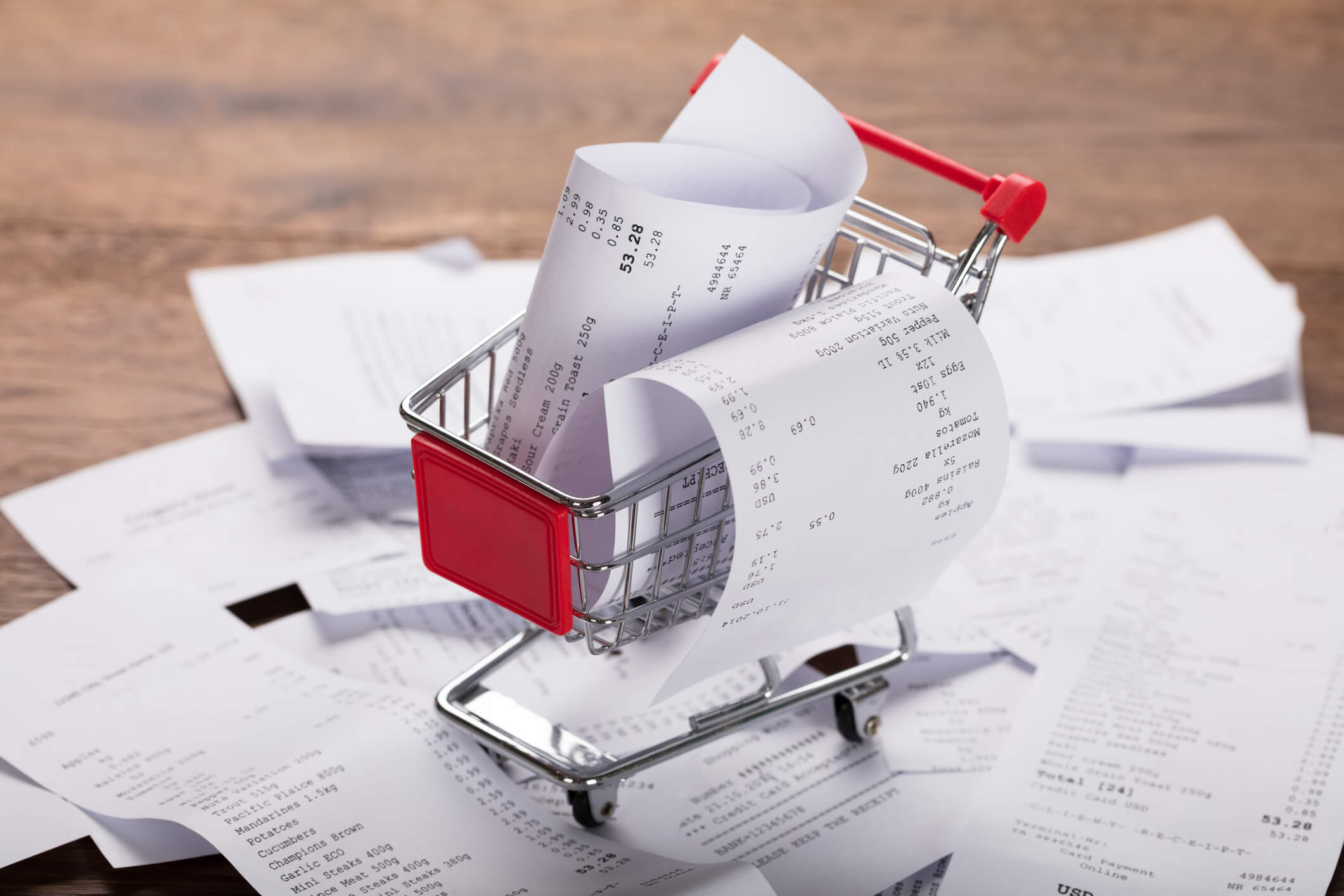
Bookkeeping for a Local Grocery Store:
A Practical Guide
Bookkeeping for a grocery store means building a simple, repeatable system to track daily sales, payment types, inventory, expenses, payroll, and taxes so you always know your margins, cash position, and what to reorder next. When you consistently record POS totals, reconcile your bank and merchant accounts, track inventory and cost of goods sold (COGS), and close your books each month, you turn a hectic grocery operation into a predictable, profitable business.
In over two decades leading Complete Controller, I’ve had the privilege of working with independent grocers across the country, and I’ve noticed something consistent: stores that treat bookkeeping as a daily operational discipline—not a year-end scramble—have healthier margins, fewer cash crunches, and far less stress at tax time. In this guide, I’ll walk you through the exact workflow that fits real grocery life—thousands of small transactions, thin margins, perishable inventory, and constant vendor activity—so you can run your store with confidence and clarity.

What is bookkeeping for a local grocery store and how do you get it right?
- Bookkeeping for a local grocery store is the daily process of recording sales, inventory changes, expenses, payroll, and taxes so you can understand profitability, manage cash flow, and stay compliant year-round.
- It starts with choosing the right accounting and POS tools, then mapping how every sale and purchase flows into your books.
- You need clear procedures for inventory management accounting and COGS so shrinkage, spoilage, and promotions are reflected accurately in your margins.
- Daily POS reconciliation and regular POS and bank reconciliation for retailers keep your books in sync with cash drawers, bank accounts, and merchant processors.
- Monthly bookkeeping for grocery stores—closing the books, reviewing reports, and preparing for taxes—gives you the visibility to adjust pricing, ordering, and staffing before issues become crises.
What Makes Bookkeeping for a Grocery Store Different
Grocery store bookkeeping has unique challenges: high transaction volume, thin margins, perishable inventory, and complex vendor terms. The math is unforgiving—in 2023, U.S. grocery stores averaged a net profit margin of just 1.6%, which means even small tracking errors in COGS, promos, or shrink can erase your profit entirely.
Key differences from other small businesses
- High-volume, low-margin sales: Thousands of daily transactions must be captured accurately—small errors compound quickly.
- Perishable, fast-moving inventory: Spoilage, shrinkage, and promotional pricing all affect inventory valuation and COGS.
- Multiple payment channels: Cash, cards, EBT, house accounts, and third-party delivery apps must all be reconciled separately.
- Sales tax complexity: Some items are taxable, others aren’t, and rules vary by jurisdiction.
Core goals of grocery store accounting
The aim is straightforward: protect margin, keep cash flow predictable, and maintain clean, audit-ready records for lenders and tax authorities. Everything else builds on those three foundations.
Setting Up a Simple but Strong Grocery Store Bookkeeping System
Before you can optimize, you need the right structure: accounting software, a thoughtful chart of accounts, and seamless integrations between your POS and your books.
Choosing tools and retail bookkeeping services
Cloud accounting platforms like QuickBooks and Xero integrate well with grocery POS systems, automatically syncing sales, inventory, and banking data. When transaction volume grows, professional retail bookkeeping services can handle daily entry, vendor reconciliation, and cash-flow reporting so you can focus on operations.
Designing a grocery-friendly chart of accounts
A strong chart of accounts mirrors how you actually run the store:
- Separate income accounts for grocery, meat, produce, deli, prepared foods, and services (lottery, money orders).
- COGS accounts aligned with each department to monitor department-level margin.
- Expense categories for rent, utilities, merchant fees, supplies, labor, shrinkage/write-offs, and marketing.
Daily, weekly, and monthly bookkeeping rhythms
- Daily: Record POS summary, perform POS reconciliation, prepare deposits, update cash logs.
- Weekly: Enter vendor invoices, review AP, conduct preliminary inventory checks.
- Monthly: Reconcile bank and credit card statements, value inventory, post COGS, generate financial reports.
Tracking Sales and Payment Types Accurately Every Day
Daily sales tracking is the backbone of bookkeeping for a grocery store—miss a day, and your margins blur fast.
Recording daily sales from the POS
Use POS Z-reports or end-of-day summaries to capture gross sales, voids and returns, discounts, sales tax collected, and a breakdown by payment method (cash, card, EBT, gift cards, apps). In your accounting system, record one daily sales receipt per store per day, categorized by income accounts.
POS and bank reconciliation for retailers
Daily POS reconciliation matches cash in drawers to the POS cash report, and merchant batch totals to POS card totals. Monthly bank reconciliation compares bank and merchant statements to book entries to catch duplicate entries, missing deposits, or incorrect fees and chargebacks.
A great cash control example comes from food co-ops: the University of Wisconsin Center for Cooperatives recommends separating duties—one person prepares deposits, another reviews reports—plus frequent reconciliations to reduce errors and theft. That same separation-of-duties principle protects independent grocers too.
Handling discounts and promotions
Track discounts and coupons in their own accounts so you can see the real margin impact and adjust promotional strategy with confidence.
Mastering Inventory Management Accounting
Inventory is usually your largest asset and your biggest risk. Get this wrong, and nothing else in your books is reliable.
How grocery inventory bookkeeping works
Use the retail COGS formula: (Beginning Inventory + Purchases) – Ending Inventory = COGS
Maintain perpetual inventory through your POS, then validate with physical counts.
Inventory tracking workflow
- Link SKUs and barcodes to departments and cost.
- Receive purchases with item-level detail.
- Move cost from inventory to COGS as items sell.
- Perform regular physical counts and adjust the general ledger.
Physical counts and shrinkage control
Do at least an annual full physical inventory, with weekly or monthly cycle counts by department. Suspend receiving during counts, use two-person teams, and exclude damaged or obsolete items.
Shrink deserves its own line item. The National Retail Federation’s 2023 National Retail Security Survey reported retail shrink at 1.6% of sales in 2022, up from 1.4% the year before. For grocers, that’s often the difference between profit and loss—so tracking shrink separately (theft, spoilage, breakage) is non-negotiable.
Better grocery margins start with better bookkeeping. See how Complete Controller helps keep your numbers shelf-ready.

Managing Bills, Vendors, and Customer Balances
Strong accounts payable and receivable processes keep shelves stocked and cash flowing.
AP and AR basics for grocers
- AP: Enter each vendor bill with due date and terms (e.g., 2/10 net 30). Match invoices to purchase orders and receiving documents.
- AR: Track house accounts, catering, wholesale, and institutional customers. Send timely statements and follow up on overdue balances.
Organizing vendor relationships
Maintain a vendor master list with contact info, lead times, standard order quantities, and discounts or rebates. Use your books to identify which vendors give you the best effective cost and to time payments for early-pay discounts when cash flow allows.
Cash, Payroll, and Tax Compliance
Missing these areas is where many small grocers get into real trouble.
Handling cash properly
Keep personal and business funds fully separate. Use cash count sheets at shift changes, conduct surprise counts, and set clear rules for paid-outs, refunds, and manager approvals.
Payroll in a grocery environment
Track labor cost by department—front-end, deli, bakery, stocking—to understand productivity and scheduling. Handle overtime, tip credits, and payroll tax filings correctly and on time.
Bookkeeping and tax preparation for grocery stores
Maintain detailed sales and tax reports by category, with clear records of taxable vs. non-taxable items. Work with a tax professional who knows grocery rules to optimize deductions and stay compliant on sales, payroll, and income tax. The IRS Publication 538 on accounting periods and methods is a useful reference for inventory and accrual rules.
Turning Numbers into Decisions
Clean books are only useful if they drive better decisions.
Reports every grocer should review monthly
- P&L by department (grocery, meat, produce, deli)
- Balance Sheet with accurate inventory and payables
- Cash Flow Statement showing operational cash generation
- Shrinkage and spoilage reports
Key performance indicators
- Gross margin % by department
- Inventory turnover by category
- Labor cost as % of sales
- Average basket size and transaction count
- Shrink as % of sales
Case Study: Stabilizing margins at a neighborhood market
A small independent grocer in a college town struggled with erratic cash flow and suspected shrinkage but had no reliable numbers. After implementing integrated POS, weekly POS reconciliation, and monthly accounting cycle closure, the owner discovered shrinkage and untracked promotions were quietly cutting margins by nearly 5%. Within six months, tightened cash controls and revised department pricing improved gross margin and enabled the owner to renegotiate vendor terms with confidence.
Final Thoughts: Your Books Are Your Operating System
A well-built bookkeeping system protects your margins, steadies your cash flow, and gives you the clarity to make smart decisions every week. From daily POS reconciliation to monthly inventory accounting to thoughtful payroll and tax compliance, each piece reinforces the next—and the payoff shows up in healthier reports and a calmer store.
As a founder, I’ll leave you with this: in grocery, the difference between a stressful business and a thriving one usually comes down to whether the numbers are working for you. If you’re ready to make your books a true management tool, the team at Complete Controller is here to help you build a system that fits your store and your goals.

Frequently Asked Questions About Bookkeeping for a Grocery Store
How do I keep books for a small grocery store?
Use cloud accounting integrated with your POS, record daily sales summaries, track inventory and COGS, reconcile bank and merchant accounts monthly, and close your books with financial reports each month.
What is the best accounting method for grocery stores?
Most grocery stores use accrual accounting with perpetual inventory and the standard COGS formula: (Beginning Inventory + Purchases) – Ending Inventory.
How do you record grocery store inventory in accounting?
Set up SKUs in your POS and accounting system, record purchases to inventory accounts when received, reduce quantities as items sell, perform regular physical counts, and adjust the general ledger to match.
How often should a grocery store reconcile its accounts?
Daily POS reconciliation for cash and card totals, with full bank and credit card reconciliations at least monthly—more frequently during high-volume seasons.
Can I use QuickBooks for my grocery store bookkeeping?
Yes. QuickBooks Online Plus or Advanced supports inventory tracking and works well for grocery stores when set up for daily sales recording and integrated with a compatible POS.
Sources
- BooksTime. Grocery Store Accounting: Mastering Best Practices. https://www.bookstime.com
- Cornell University Division of Financial Services. Inventory Accounting Guidelines. https://www.dfa.cornell.edu/dfa/accounting
- POS Nation. Grocery Store Accounting: 7 Best Practices. https://www.posnation.com/blog
- Intuit QuickBooks Community. Grocery Store Bookkeeping. https://quickbooks.intuit.com/community
- Enkel. Comprehensive Bookkeeping Guide for Retail Businesses. https://www.enkel.ca/blog
- CSIMarket. (2023). Grocery Stores Industry Profitability. https://csimarket.com/Industry/industryProfitabilityRatios.php?ind=103
- Shay, M. R., & Doyle, M. R. (2023). 2023 National Retail Security Survey. National Retail Federation. https://nrf.com/research/2023-national-retail-security-survey
- University of Wisconsin Center for Cooperatives. (2013). Accounting Best Practices for Food Co-ops. https://resources.uwcc.wisc.edu/accounting/accounting-best-practices-for-food-co-ops/
- Internal Revenue Service. Publication 538: Accounting Periods and Methods. https://www.irs.gov/publications/p538
- Bench. For Grocery Stores: Reliable Bookkeeping and Accounting. https://www.bench.co
- Complete Controller. Small Business Bookkeeping: 9 Tips and Tricks. https://www.completecontroller.com/small-business-bookkeeping-9-tips-and-tricks/
- Complete Controller. Importance of Reconciling Your Accounting Statements Regularly. https://www.completecontroller.com/importance-of-reconciling-your-accounting-statements-regularly/
- Complete Controller. Accounting Cycle Closure. https://www.completecontroller.com/accounting-cycle-closure/
 About Complete Controller® – America’s Bookkeeping Experts Complete Controller is the Nation’s Leader in virtual bookkeeping, providing service to businesses and households alike. Utilizing Complete Controller’s technology, clients gain access to a cloud platform where their QuickBooks™️ file, critical financial documents, and back-office tools are hosted in an efficient SSO environment. Complete Controller’s team of certified US-based accounting professionals provide bookkeeping, record storage, performance reporting, and controller services including training, cash-flow management, budgeting and forecasting, process and controls advisement, and bill-pay. With flat-rate service plans, Complete Controller is the most cost-effective expert accounting solution for business, family-office, trusts, and households of any size or complexity.




 Brittany McMillen
Brittany McMillen
Brittany McMillen