


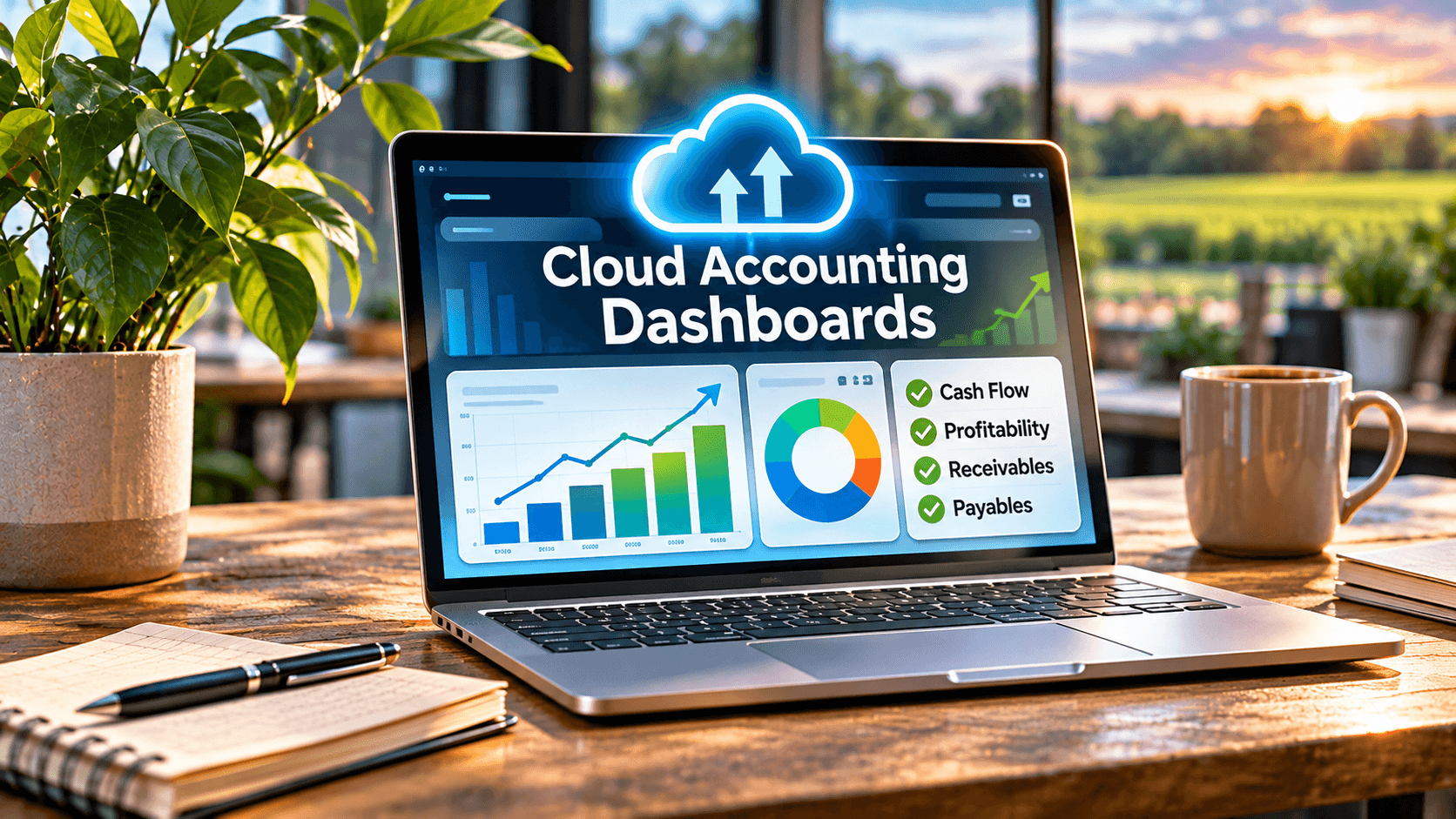
Cloud Accounting Dashboards:
Real-Time Insights for SMBs
Cloud accounting dashboards give small and mid-sized businesses real-time visibility into cash flow, expenses, profitability, and performance—so you can make faster, smarter decisions without waiting for last month’s reports.
Here’s what I’ve watched happen too many times in my 15+ years leading Complete Controller: a business owner makes a major decision—a hire, an equipment purchase, an expansion—based on a spreadsheet that was outdated the moment it was saved. The books weren’t reconciled. The cash timing problem was invisible. And the “report” everyone trusted was quietly wrong. That’s not a software problem. That’s a visibility problem. And it’s completely fixable.
What are cloud accounting dashboards and why do SMBs need them?
- Cloud accounting dashboards are centralized, internet-based views of your financial data—revenue, expenses, cash, receivables, and payables—that update from connected systems so leaders can act on current information instead of stale reports.
- They serve owners, controllers, bookkeepers, CFOs, and remote finance teams who need a shared, trusted picture of the business.
- “Real time” does not mean automatically accurate—dashboards are only as reliable as the bookkeeping, coding, and reconciliations behind them.
- The right time to adopt one is when spreadsheets, delayed reports, or disconnected systems are slowing down your decisions.

Why Cloud Accounting Dashboards Matter for Decision-Making
The old model—close the books, wait weeks, read a PDF—doesn’t work when your cash position changes daily. A well-built financial dashboard gives you current information about profitability, costs, and cash, which the FDIC identifies as the foundation of sound small business financial management.
Cloud accounting as your foundation
Internet-accessible financial software supports shared records, bank feeds, automation, and reporting from anywhere. But cloud accounting also demands real controls: user permissions, backups, data ownership, and security practices. NIST’s small business cybersecurity guidance is a smart starting point. Access from anywhere is a gift—and a responsibility.
Real-time reporting, with honest limits
Live bank feeds are not finalized financial statements. Pending, duplicated, or uncategorized transactions distort results fast. That’s why dependable real-time reporting always rests on regular reconciliations. Display the last refresh date, the reconciliation status, and the accounting basis right on the dashboard. Trust is built with transparency, not polish.
Core Metrics Every Cloud Accounting Dashboard Should Track
Don’t track everything. Track what drives decisions. The KPIs I recommend most SMBs start with: revenue growth, gross margin, net margin, operating expenses, burn rate, and customer acquisition cost—each with a target, an owner, and a consistent definition.
A chart without context is decoration. Show the source, date range, budget variance, and definition beside every metric. Good financial data visualization makes variances jump off the screen; bad visualization hides material problems behind pretty pie charts. If a trend is hard to spot in the raw ledger, visualize it. If a visual obscures the detail, cut it.
Still making business decisions with outdated spreadsheets? Complete Controller’s cloud-based bookkeeping and financial reporting services help you turn your numbers into actionable insights. Let’s make your financial data work for you!
Cash Flow, Receivables, and Payables: Where Dashboards Earn Their Keep
Profit is an opinion. Cash is a fact. The SBA’s guide to cash flow analytics makes the same point: understanding inflows, outflows, and timing is how you evaluate true financial health—especially before hiring, borrowing, or expanding.
Accounts receivable visibility
If you invoice customers, your dashboard must show aging balances, collection rates, and expected receipt dates. Measuring sales without measuring collections is how growing companies run out of money. Assign collection ownership and drill down to the customer level. Mastering your cash flow analytics means understanding your full cash conversion cycle, not just topline revenue.
Accounts payable control
Track bills due, vendor balances, early-payment discounts, and upcoming obligations. Watch for duplicate bills and unauthorized payments—and resist paying early when cash is tight. Approval permissions and due-date alerts belong in every payables view.
How to Build Dashboards Your Team Actually Trusts
Trust starts in the books, not the software. Strong bookkeeping analytics require consistent chart-of-accounts coding, reconciled accounts, and documented adjustments. Analytics layered on messy bookkeeping just makes bad data faster.
Once your data is dependable, add interactivity thoughtfully. Interactive financial dashboards let users filter, compare periods, and drill from a summary metric down to the transaction—answering “why” without opening five reports. Test your calculations, restrict sensitive fields, and document your metric logic. Then establish:
- A close checklist so data is finalized on a predictable schedule
- A metric dictionary so “gross margin” means the same thing to everyone
- A designated data owner accountable for accuracy
- Review sign-offs before dashboard outputs go to lenders, investors, or tax filings
Choosing Business Accounting Dashboard Software
Features are easy to sell. Integration quality, security, scalability, and total cost are what matter. Compare permissions, API availability, refresh frequency, exports, and support before you buy. And here’s proof it pays off: Cloud Business Services, a Canadian bookkeeping and advisory firm, used to export dozens of QuickBooks reports into spreadsheets by hand. After moving to a live dashboard, they consolidated more than 20 reports into one holistic view of client financial health (LiveFlow, 2026). The lesson? A dashboard creates value when reliable integrations replace repetitive spreadsheet work—not when it adds another shiny tool to your stack.
Before any renewal, measure adoption, reporting time saved, and decisions improved. If the dashboard isn’t changing how you decide, renegotiate or rebuild.
Final Thoughts
Cloud accounting dashboards turn reconciled financial data into fast, confident decisions about cash, profitability, and performance. Build visibility around the questions your business must answer—not around every number your software can display. Start with decision-driving KPIs, connect dependable data sources, establish controls, and review accuracy regularly.
You deserve financial clarity, not financial guesswork. Visit Complete Controller for expert guidance from the team that pioneered cloud-based bookkeeping and controller services—we’ll help you turn your numbers into your best decision-making tool.

Frequently Asked Questions About Cloud Accounting Dashboards
What are cloud accounting dashboards?
They’re centralized, cloud-based views of financial data—revenue, expenses, cash, receivables, payables, and KPIs—pulled from connected accounting, banking, and payroll systems so leaders can monitor performance in real time.
How do cloud accounting dashboards help small businesses manage cash flow?
They show current cash position, expected inflows and outflows, receivables aging, and upcoming bills—so you spot timing gaps before they threaten payroll or vendor payments.
What KPIs should an SMB include in an accounting dashboard?
Start with revenue growth, gross margin, net margin, operating expenses, burn rate, and receivables aging. Only add a KPI when it supports a recurring decision or exposes a real risk.
Are cloud accounting dashboards accurate in real time?
Only if the underlying books are reconciled and transactions are properly coded. Live feeds can include pending or duplicate items, so always check the last refresh date and reconciliation status.
How much does business accounting dashboard software cost?
Pricing varies from modest monthly subscriptions bundled with accounting software to higher tiers for multi-entity consolidation. Evaluate total cost—implementation, integrations, and support—against reporting time saved.
Sources
- LiveFlow. (2026). Tanya Hilts & Cloud Business Services: Enhancing Financial Advisory with LiveFlow. https://liveflow.com/case-studies/tanya-hilts-liveflow-helps-me-to-delve-deeper-into-advisory-work.
- U.S. Small Business Administration. (2026). How to Understand Cash Flow Statements. https://ascent.sba.gov/8d/4b/6855ceed413ca6384044018eb2f6/your-business-financial-strategy-2-3-financial-statements-business-growth-decisions-tool.pdf.
- U.S. Small Business Administration. (2026). Manage Your Business. https://cdn.www.sba.gov/counseling/manage-your-business/.
- Federal Deposit Insurance Corporation. (2026). Financial Management for a Small Business. https://catalog.fdic.gov/catalog/sfc/servlet.shepherd/document/download/069t000000Bch4LAAR.
- Xero. (2026). Small Business Bookkeeping: A Beginner’s Guide and Tips. https://www.xero.com/us/guides/small-business-bookkeeping/.
- Complete Controller. (2026). Financial Data Analytics Services. https://www.completecontroller.com/financial-data-analytics-services/.
- Complete Controller. Small Business Bookkeeping: 9 Tips and Tricks. https://www.completecontroller.com/small-business-bookkeeping-9-tips-and-tricks/.
- Complete Controller. Importance of Reconciling Your Accounting Statements Regularly. https://www.completecontroller.com/importance-of-reconciling-your-accounting-statements-regularly/.
- Complete Controller. Mastering the Cash Conversion Cycle. https://www.completecontroller.com/mastering-the-cash-conversion-cycle/.
- National Institute of Standards and Technology. Small Business Cybersecurity Corner. https://www.nist.gov/itl/smallbusinesscyber.
 About Complete Controller® – America’s Bookkeeping Experts Complete Controller is the Nation’s Leader in virtual bookkeeping, providing service to businesses and households alike. Utilizing Complete Controller’s technology, clients gain access to a cloud platform where their QuickBooks™️ file, critical financial documents, and back-office tools are hosted in an efficient SSO environment. Complete Controller’s team of certified US-based accounting professionals provide bookkeeping, record storage, performance reporting, and controller services including training, cash-flow management, budgeting and forecasting, process and controls advisement, and bill-pay. With flat-rate service plans, Complete Controller is the most cost-effective expert accounting solution for business, family-office, trusts, and households of any size or complexity.



 Brittany McMillen