


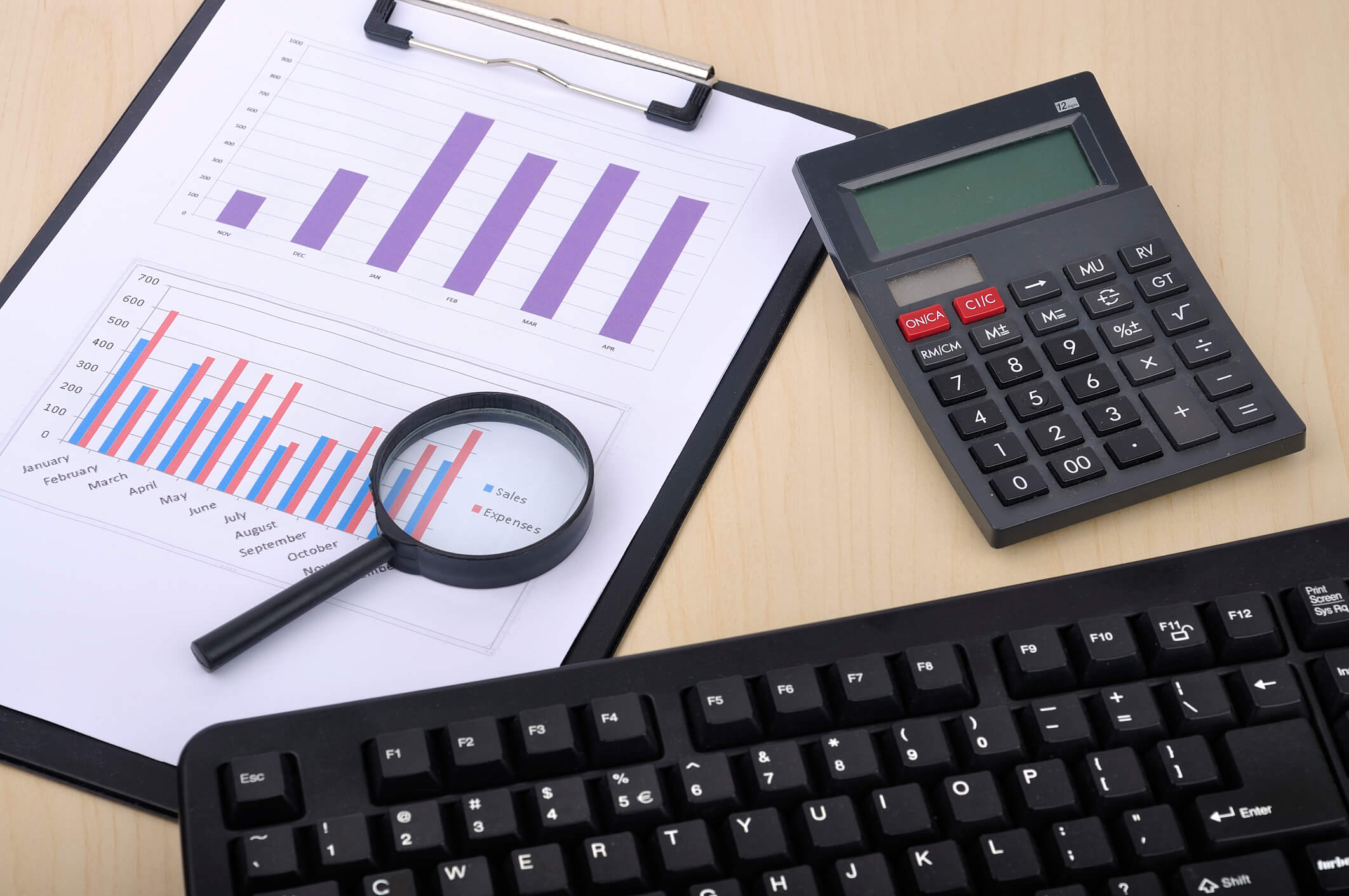
Why the Need for Making A Budget?
A budget provides a realistic view of your finances for a defined period. It gives a clear snapshot of your finances (revenue and expenditures), encouraging you to set financial goals and achieve specific business targets. Moreover, it helps you spend less and save more, so having a sound budget is necessary for every household or commercial firm. Whether you make a monthly or yearly budget requires time, mental effort, and focused energy. The allocation of monthly paychecks throughout the year is no easy feat. Only a proper finance budget can serve you well, so you must set priorities to keep things going for you.

The Significance of Creating a Budget
Budgeting money is critically important for maintaining a healthy financial life cycle. People often consider creating a budget a mere burden on their shoulders as most don’t have the mental capacity to handle money-related stress. Creating a monthly budget helps you track your spending habits, encouraging you to spend less and save more for your future needs. Moreover, a budget allows you to prepare for emergencies and uncertainties. It leads to a happy retirement, sheds light on awful spending habits, and enables you to fulfill your dreams and desires.
According to studies, nearly 80% of Americans exceed their monthly budget limits. This overspending indicates that creating a financial budget may be easy, but following it is hard. Overspending is a bad habit that may lead to a future disaster. Therefore, creating a budget plan allows you to know your spending patterns. It reveals crucial insights that encourage and motivate you to save more for uncertain and unknown needs in the future.
Creating a balance between your expenses and income may be challenging, but there are ways to plan and handle it well. It would help to create monthly budgets throughout the year to ensure you always have money in reserve to buy essential things.

Budget Forecasting and Planning
On the other hand, creating a yearly budget is quite different than making a monthly one. Most people use a traditional approach to building an annual budget. They add their total income and expenses for the entire year and divide each category by 12 to know their monthly average. This approach may feel right, but it has certain limitations and can never reveal the story’s accurate picture. Monthly budgets serve basic needs, and a yearly budget can enable you to achieve long-term financial goals.
Creating a budget for the year requires budget forecasting and planning. Almost everyone has to deal with tight finances; however, making the best use of resources is needed. You need to look for ways that you can save money. Budget forecasting and planning are the secret tools that can assist you in spending less for the month and achieving specific financial goals and targets as intended. When looking at your monthly revenue or income, you can decide when you can buy a car or house, afford to repay debts, file taxes, and deal with other financial matters. It only requires simple bookkeeping to achieve a healthy, easy-to-follow budget.
Step-by-Step Guide to Making Your Yearly Budget
Gather your tools
Whether you are creating a monthly or yearly budget, you need to choose your budgeting tool. This tool can be a piece of paper using a calculator or a spreadsheet such as Microsoft Excel. Moreover, you can also download free budgeting software to create a more accurate budget for the year. Click HERE to see some of our favorite apps for managing your money.
Collect income and spending receipts
To know your yearly income and spending, you must collect your credit card statements, bank statements, utility bills, paycheck stubs, canceled checks, and receipts. Then, examine your monthly patterns to know your income and spending status. This will allow you to make better projections about the coming year.

Make income and expense projections
It would help if you examined your expected annual income or revenues from all sources, such as salaries, social security, interests, dividends, child support, bonuses, rents and royalties, retirement allowances, etc. Similarly, you need to figure out your expected annual expenses and make projections on where you will spend your monthly paychecks for the year, such as food, utilities, transportation, clothing, home maintenance, medical expenses, and debt repayments. Making income and expense projections when creating monthly budgets is much easier than making projections for the entire year. Therefore, you need to be careful about sorting things out!
Evaluate your cash flow
By subtracting total expenses from total income, you will know whether your financial condition is favorable for you or not. If you have made a surplus, you can plan to spend or invest it in a project. If you haven’t, then you need to change your spending habits.
Conclusion
Creating a monthly budget is a lot easier than creating a yearly one. When creating an annual budget, look at the bigger picture for getting things right—the first time. You must set priorities and allocate resources optimally to achieve intended outcomes.
 About Complete Controller® – America’s Bookkeeping Experts Complete Controller is the Nation’s Leader in virtual bookkeeping, providing service to businesses and households alike. Utilizing Complete Controller’s technology, clients gain access to a cloud platform where their QuickBooks™️ file, critical financial documents, and back-office tools are hosted in an efficient SSO environment. Complete Controller’s team of certified US-based accounting professionals provide bookkeeping, record storage, performance reporting, and controller services including training, cash-flow management, budgeting and forecasting, process and controls advisement, and bill-pay. With flat-rate service plans, Complete Controller is the most cost-effective expert accounting solution for business, family-office, trusts, and households of any size or complexity.
